

Download Microsoft Office Professional Plus – Microsoft Office, Office Suite, Word, Excel, PowerPoint, Outlook, productivity tool, document editing, spreadsheet, presentation software, business software, desktop application
Overview
Microsoft Office Professional Plus 2010 is a comprehensive desktop productivity suite designed to meet the needs of professionals, students, and business users who rely on robust tools for document creation, data analysis, and communication. The suite integrates core applications including Word, Excel, PowerPoint, and Outlook, each updated with performance improvements and new features aimed at enhancing workflow efficiency. A key focus of this release is seamless document access through online saving, enabling users to work across devices without interruption.
The inclusion of SharePoint Workspace supports file synchronization, offering a centralized approach to managing shared projects and team documents. While the software was released in 2010, it remains a foundational tool in the productivity ecosystem, particularly for organizations still operating on legacy systems. Its purpose is to streamline tasks such as report writing, financial modeling, presentation creation, and email management.
The target users include office workers, educators, and technical professionals who require reliable, feature-rich applications. Although the developer did not provide additional technical details about system integration or cloud dependencies, the suite continues to serve as a benchmark for desktop productivity software. Its role in the app ecosystem lies in offering a consistent, high-performance environment for critical business operations.
Key Features & Functionality
- Enhanced Word Capabilities: Word 2010 introduces improved stability and faster processing speeds, allowing users to edit complex documents with fewer delays. The integration of online saving enables access to files from any computer with an internet connection, supporting remote collaboration and continuous workflow.
- Cinematic Presentation Tools: PowerPoint 2010 expands on visual storytelling with advanced transition effects, video embedding, and audio integration. These tools allow users to create dynamic, engaging presentations suitable for corporate pitches, academic lectures, and training sessions.
- Streamlined Email Management: Outlook 2010 features a redesigned interface that simplifies inbox organization. Users can synchronize multiple email accounts into a single view, reducing the need to switch between platforms and improving task efficiency.
- Performance-Optimized Applications: Access, Publisher, Excel, and OneNote have been updated with improved visual design and faster execution. These changes result in quicker load times and smoother interactions, particularly beneficial when handling large datasets or complex layouts.
- Reduced System Resource Usage: Compared to earlier versions, Office Professional Plus 2010 consumes fewer system resources, enabling stable performance even on older or lower-spec hardware. This makes it a viable option for environments with limited computing power.
These features collectively support real-world use cases such as preparing quarterly reports in Excel, delivering client presentations in PowerPoint, managing team communications via Outlook, and maintaining shared project files using SharePoint Workspace. The suite is especially valuable in structured office environments where consistency, reliability, and compatibility are paramount.
Interface, UX & Performance
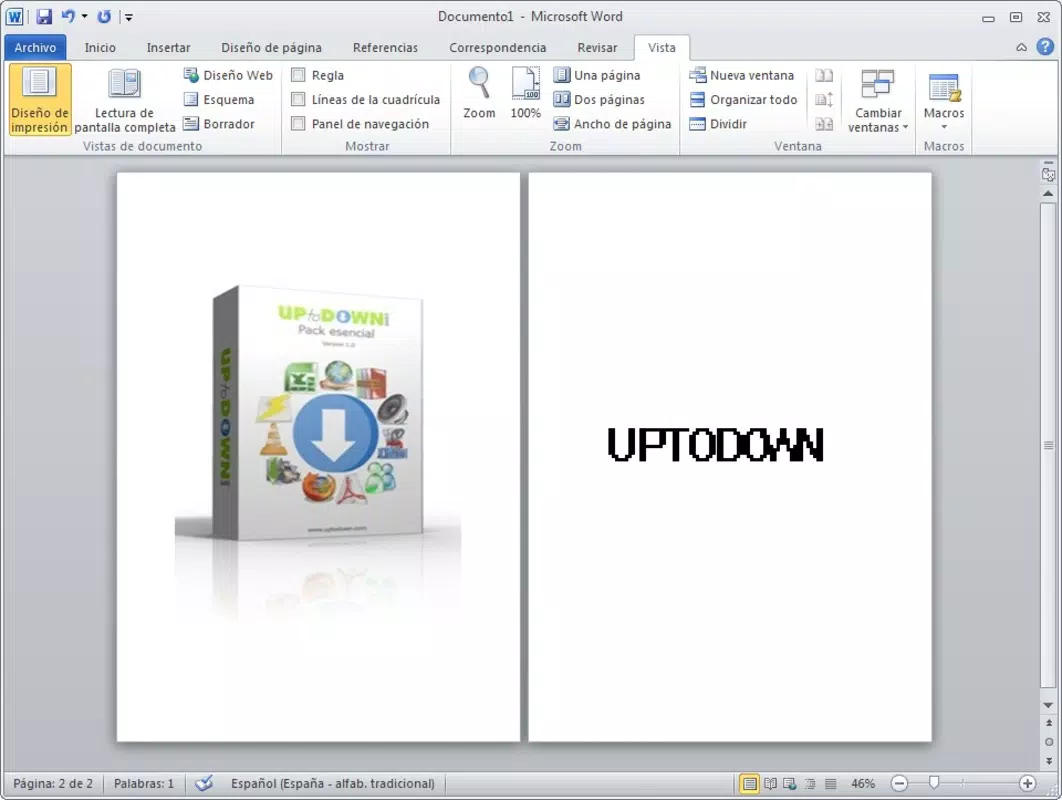
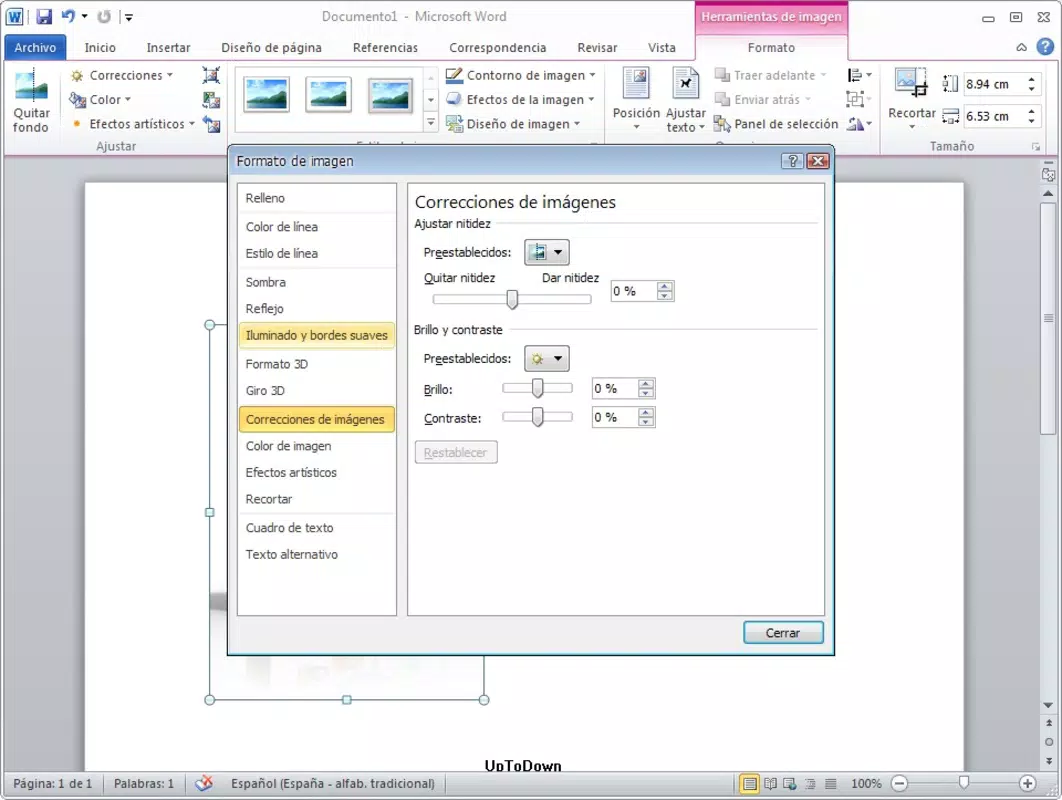
The user interface of Microsoft Office Professional Plus 2010 follows the familiar ribbon-based navigation introduced in Office 2007, offering a consistent layout across all applications. The visual style emphasizes clarity and accessibility, with toolbars and menus organized into logical tabs such as Home, Insert, and Review. Navigation is intuitive, allowing users to locate functions quickly without extensive training.
Although the developer did not list formal performance metrics, the suite is reported to deliver responsive interactions even on systems with modest hardware specifications. Responsiveness during document editing, slide transitions, and email filtering suggests optimized backend processing. Stability is maintained through regular updates and patches released during its support lifecycle.
The interface remains functional across various screen sizes and resolutions, though it was not designed with mobile touch gestures in mind. Overall, the experience is geared toward desktop users who rely on keyboard and mouse input. While the software lacks modern touch-centric design elements, its performance remains dependable in traditional workstation environments.
Platform Compatibility & Technical Requirements
Microsoft Office Professional Plus 2010 is designed for the Windows operating system. It supports Windows 7, Windows Vista, and Windows XP (with Service Pack 3), though specific compatibility details were not fully disclosed by the developer. The application requires a minimum of 1 GB of RAM and approximately 2.1 GB of available hard disk space for installation.
The software is not available for macOS, Android, or iOS platforms. The file size of the full installation package is 2.1 GB, which may impact deployment on systems with limited storage capacity. The version number is 2010, and the software was released on January 31, 2010.
The developer did not specify minimum OS requirements or hardware benchmarks beyond general system recommendations. Users should ensure their systems meet baseline specifications before installation to avoid compatibility issues.
Pros and Cons
Pros
- Comprehensive suite of professional-grade productivity tools
- Improved performance and reduced resource consumption compared to previous versions
- Online document access enables remote collaboration and continuity
- Consistent interface across all core applications
- Supports multiple email accounts in a unified inbox
Cons
- Released in 2010; no longer supported with modern security updates
- Not compatible with newer versions of Windows or non-Windows platforms
- Limited touch interface support for modern devices
- Large file size (2.1 GB) may be challenging for low-storage systems
- Does not include cloud-based collaboration features available in current Office 365 versions
FAQ
Is Microsoft Office Professional Plus 2010 safe to install?
While the software was originally released with security protocols of its time, it is no longer supported by Microsoft. As such, it does not receive security updates and may pose risks on modern networks. Users should exercise caution and consider using it only in isolated or offline environments.
Can I update Microsoft Office Professional Plus 2010?
Official updates for Office Professional Plus 2010 ended in 2020. The software will not receive new patches, feature improvements, or security fixes from Microsoft. Any updates would need to be manually sourced from legacy repositories, which may carry risks.
Is this app available for Android or iOS?
No, Microsoft Office Professional Plus 2010 is exclusively designed for Windows. It is not available on Android or iOS devices. Users seeking mobile access should consider current versions of Office available through the Microsoft Store or App Store.
What are the system requirements?
The software requires Windows 7, Vista, or XP (with SP3), at least 1 GB of RAM, and approximately 2.1 GB of free disk space. Specific minimum OS versions were not listed by the developer.
Can I use this software on a modern Windows 11 system?
While some users may be able to install the software on Windows 11, it is not officially supported. Compatibility may vary, and performance or stability issues could occur. Microsoft recommends using current versions of Office for optimal functionality on newer systems.
Final Thoughts
Microsoft Office Professional Plus 2010 remains a powerful desktop productivity suite, particularly for users operating in legacy environments or requiring stable, feature-complete applications. Its enhanced performance, reduced resource usage, and robust toolset continue to offer value in specific use cases. However, due to its age and lack of modern security updates, it is not recommended for new installations on current systems.
For organizations still relying on this version, maintaining it in isolated or air-gapped networks is advised. The suite excels in document editing, spreadsheet modeling, and presentation creation, making it ideal for professionals who prioritize reliability over cutting-edge features. While newer cloud-integrated versions of Office offer superior collaboration and accessibility, this version stands as a testament to the evolution of desktop productivity software.
For those who need a proven, desktop-first solution with a strong feature set, Microsoft Office Professional Plus 2010 is still a viable choice—provided compatibility and security concerns are carefully managed. Download Microsoft Office Professional Plus now.


